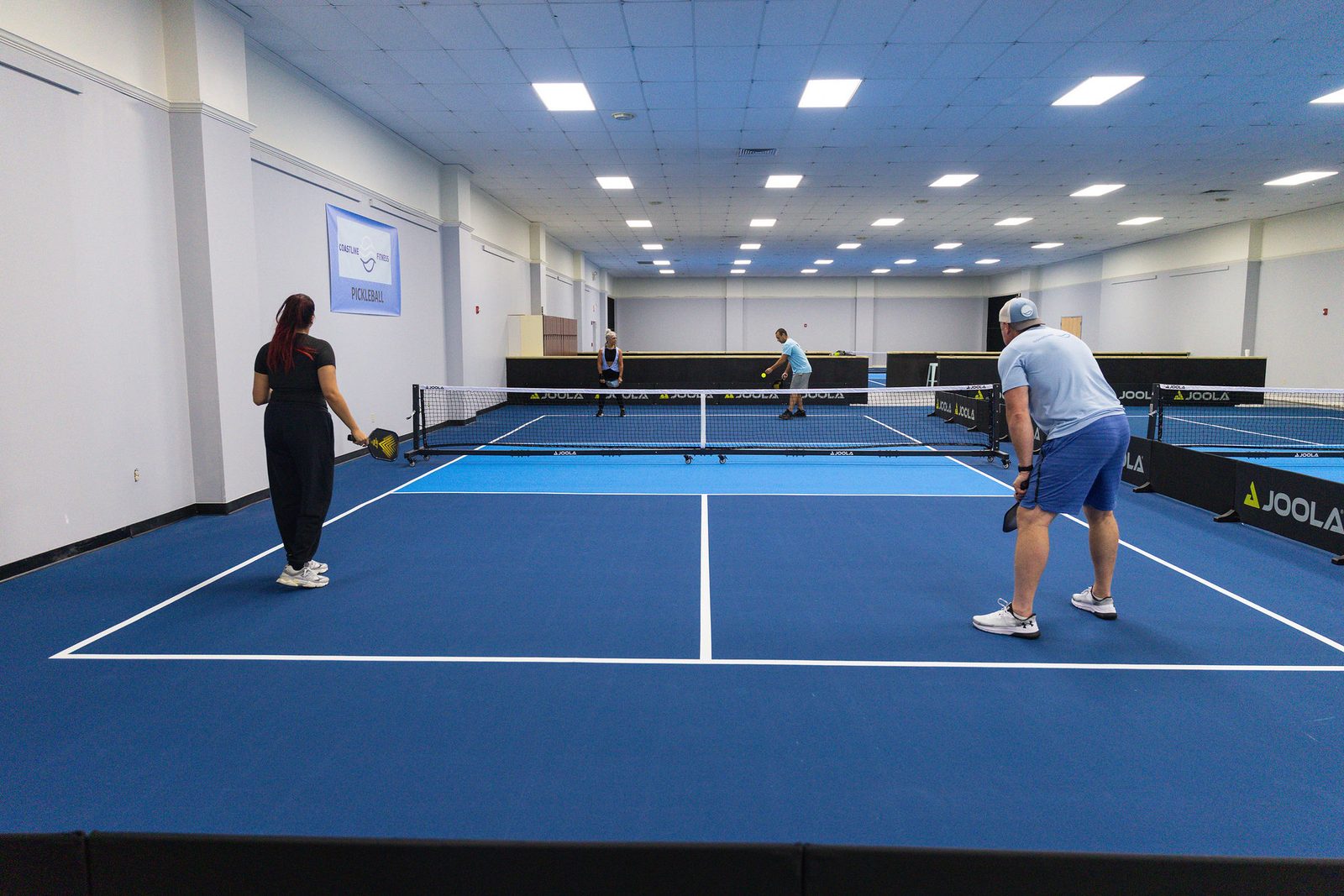
Players book, pay and check in from their phones, while your team runs the schedule, payments and customers from one back office, with CapCourt match video built in.
King of the Courtlive Open Play with a real-time queue
5 languagesThai, English, Chinese, Japanese, Korean
FOR PLAYERS
For players. Everything on their phone.
From finding a free court and paying to finding playing partners and downloading match video.
Book courts online
Daily availability by court and time of day (morning, afternoon and evening), easy to use on a phone
Pick several courts and hours in one booking and see the total straight away
Prices can be set per court and time slot
Last-minute deals on slots that are coming up soon and still free
A “Book again” button repeats a previous booking in one tap
Payments
A PromptPay QR code for the exact amount, with a countdown to pay
Upload the slip and the system checks the amount, recipient account and duplicates automatically for instant approval
Option to pay at the venue
Prepaid hour-credit packages, so players can book without transferring every time
Share a payment link so a friend can pay
Member accounts
Sign in with Google, LINE or a phone number and password
View bookings, reschedule or cancel within the venue's policy
Boarding-pass style tickets with a 4-digit check-in code
Earn points for rewards and see remaining credit and expiry dates
Player profiles with photo, nickname, nationality and DUPR rating
Player community
Upcoming Open Play schedule
Find players at a similar level and invite them to play
Community chat with a button that translates messages into the reader's language
Book a coach: view profiles, choose a session and pay for the lesson and court together
Match video clips
Connected to CapCourt
Add a video of your game when you book
Download the full match and highlights from your bookings page
And more
Five languages (Thai, English, Chinese, Japanese and Korean) that switch instantly, with dates shown in each language's format
A member card in LINE OA showing points, credit and a member QR code
Announcement pop-ups and promotion posters
A private schedule link that shows open slots to outsiders without revealing customer details
OPEN PLAY LIVE / KING OF THE COURT
Win, move up. Lose, move down. Every game counts.
Scan a QR code to join a session in seconds, with no sign-up
Queues and pairings refresh every game: winners move up a court and the other team moves down
Players submit their own results and the opposing team confirms
Live standings and queue, with a 16:9 TV display
Personal result cards to share on social media
FOR COURT OWNERS & STAFF
A back office that keeps pace with your venue.
Revenue, schedule, payments, customers and staff in one place, on a computer or a phone.
Business overview
Dashboards for revenue, hours sold and court utilisation
Best-selling time slots and the mix of payment methods
A live feed of the latest activity
Front desk
A colour-coded court schedule with every slot's status on one page: free, Open Play, awaiting payment, paid by credit and paid
Check customers in with a 4-digit code
Book for customers with shortcuts or through a Telegram Mini App
Block courts for events, tournaments or maintenance
Finance
Automatic slip checks, plus a review queue for slips the system isn't sure about
Approve or reject bookings and record payments taken at the venue
Set up the PromptPay account, credit packages and the cancellation and rescheduling policy
Connect a payment gateway by API with Stripe, Beam, Omise or PaySolutions and link the venue's account to the system
Customers and CRM
Customer records with booking history, spend, points and credit
Set points rules, create rewards and redeem them for customers at the desk
Adjust customer credit, with every change logged
Coaches
Manage coach profiles and teaching schedules
Coaches get their own portal to see their schedule
Turn coach booking on or off across the site with one switch
Marketing and community
Create announcements and posters and schedule when they appear
Moderate the community chat
Pull Open Play schedules from Reclub automatically
Run live Open Play sessions (King of the Court)
Team and security
Role-based staff permissions, so each person sees only the menus they are allowed
Invite new staff by link, or let them request access with Google for approval
Staff can change their own username and password
Notifications
Telegram group alerts, choosing which events to receive
Install the back office as a phone app and receive push notifications
An in-app bell showing how many items are unread
Easy to use
Fully usable on a phone, with a bottom menu, an ⚡ ASAP shortcut and adjustable text size
The back office works in Thai and English
BOOK. PLAY. CAPTURE.
Connected to CapCourt. Sell clips from every booking.
Sell match videos and track sales
Sales reports sent to CapCourt automatically
View the monthly service bill in the back office
This page introduces the booking system for venues; it is not a booking page. Which features are switched on, and how they are set up, depends on each venue and the agreed service. Reclub, LINE and Telegram connections depend on each platform's capabilities.
SEE IT IN ACTION
Want to see it for real? Message us for a demo.
The CapCourt team will walk you through the player booking pages and the venue back office, and talk through the setup that suits your venue.